
Slate Summary
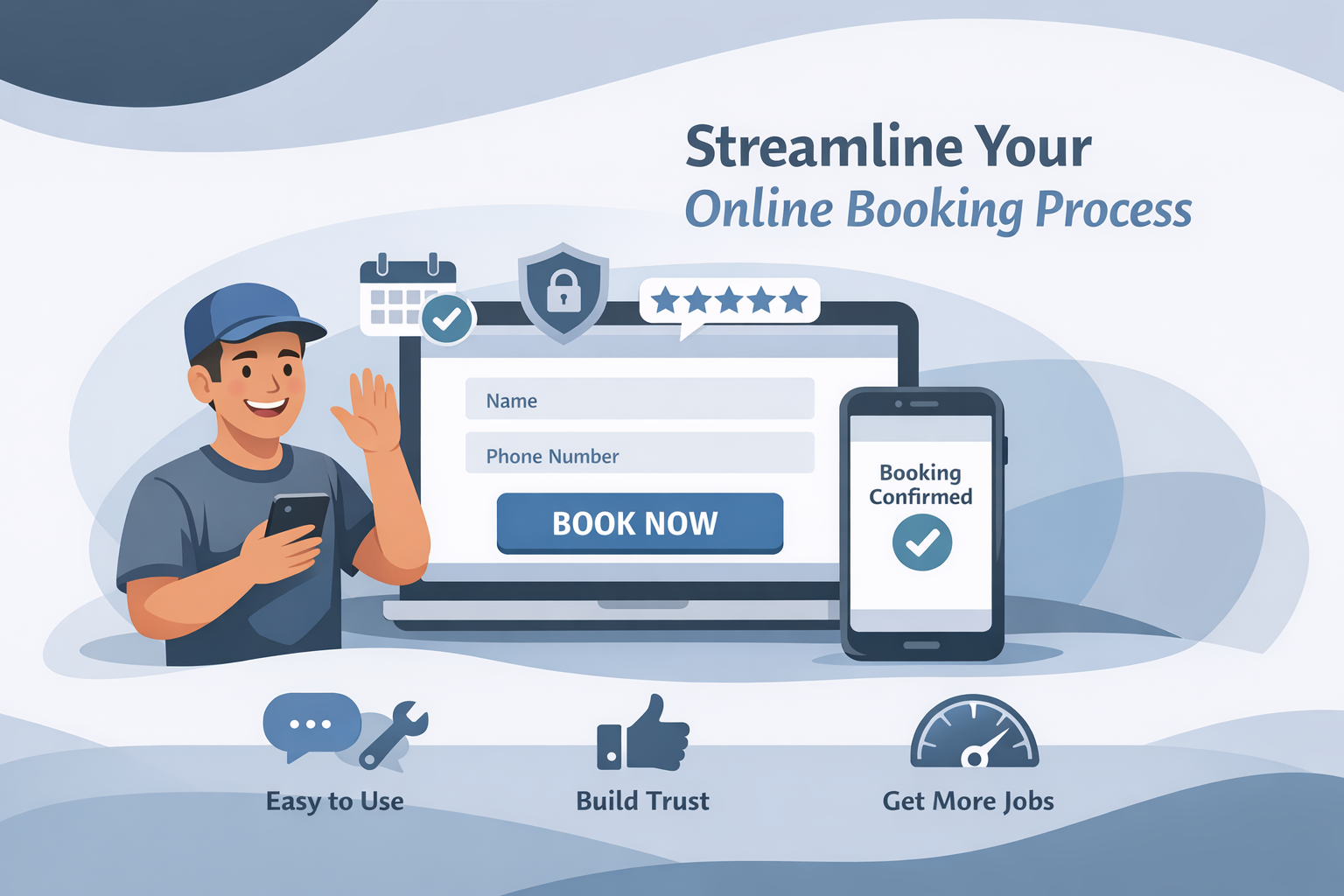
A request flow should collect what the team needs to respond, work on a phone, and set honest expectations after submission.
Ask for first-response essentials
For a general estimate request, name, phone or email, service address or area, service needed, and a short description may be enough. Do not make a homeowner create an account or complete a long questionnaire. If photos are useful, make them optional.
Make the form easy on a phone
Use clear labels, large tap targets, appropriate input types, and visible error messages. Keep submit near the final field and test the route on a real device. Pair it with a direct call option for people who prefer speaking with someone.
Set confirmation expectations
The thank-you screen and email should say the request was received and describe the next step truthfully. Do not imply an estimate is booked unless the scheduling system reserved it.
Test the handoff
Use a label matching the form, such as “Request an estimate”; see clear CTAs and pricing communication. Submit a test request, confirm the team receives it, and track form submissions and booked estimates separately with the conversion guide. A website audit can uncover friction.
Ask for details in the order the team needs them
Collect contact information, service area or address, service needed, and a short description before asking optional detail. Explain why an unusual field is needed. A field for photos can help in some trades, but it should not prevent a homeowner from requesting help when they cannot upload an image.
Build honest confirmation messages
After submission, state that the request was received, repeat the preferred contact method if available, and describe the actual follow-up expectation. If the team responds during business hours, say that. If a request needs review before an appointment can be offered, say that too. Confirmation language should reduce uncertainty, not simulate an instant booking.
Test the operational handoff
Run a test from a phone and verify field validation, email or CRM delivery, ownership, and follow-up instructions. Then ask the person who receives requests whether the form gives enough information without creating unnecessary work for callers. When the business process changes, update the form, CTA, and thank-you page together.