
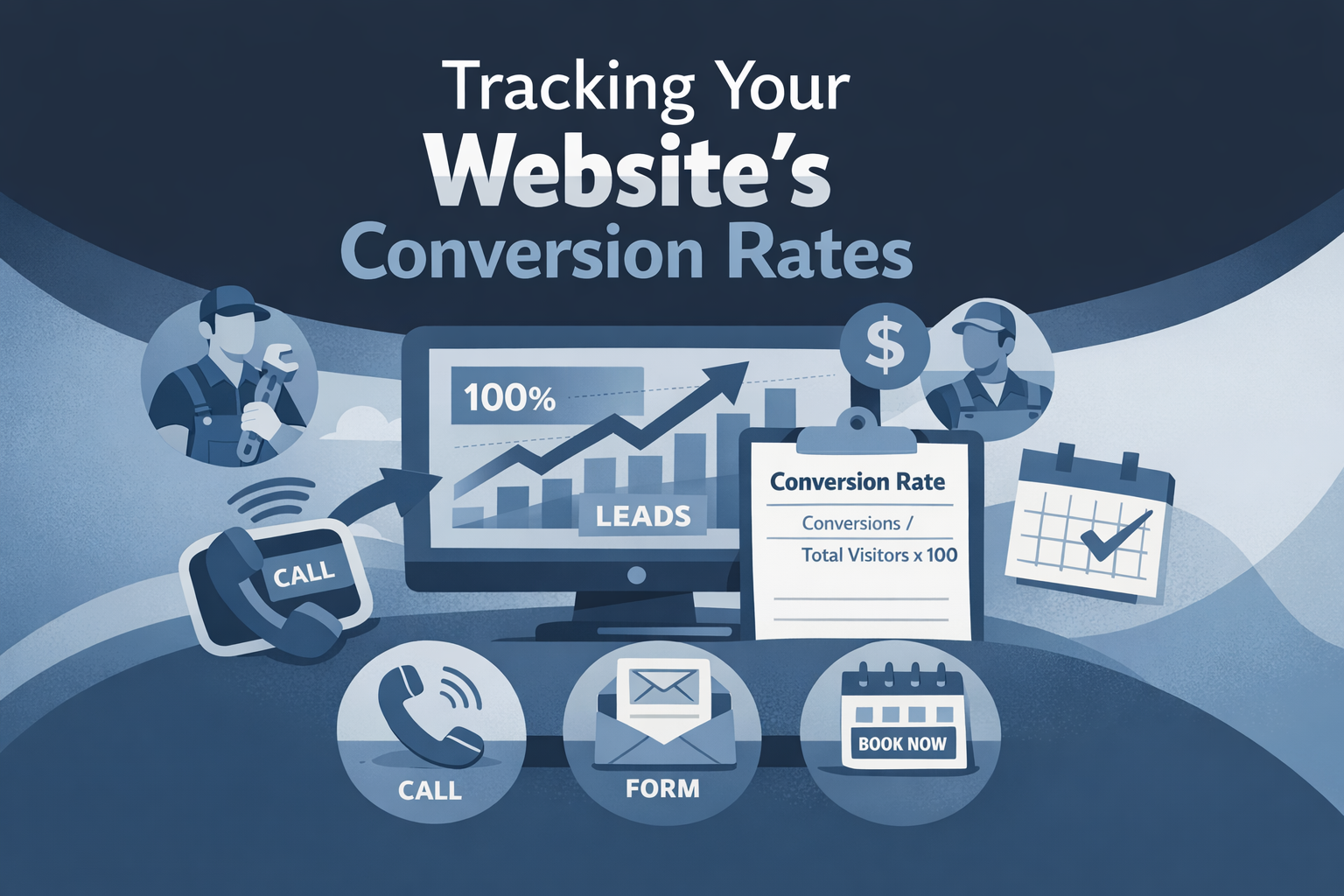
Slate Summary
Contractor website analytics should separate visitor actions, inquiries, qualified leads, scheduled estimates, and booked jobs. Review calls, forms, service interest, page performance, lead quality, and office outcomes each month, then make and measure one focused improvement at a time.
Start by defining what counts as a conversion
Before reviewing contractor website analytics, decide what each number means. A website can record many actions, but those actions do not all represent the same level of buying intent or office value.
A practical measurement model separates five stages:
- Visitor action: A page view, map click, CTA click, or other interaction.
- Inquiry: A submitted form or a click-to-call action. These should remain separate because they follow different request paths.
- Qualified lead: An inquiry that fits the contractor’s services and service area and can be reached by the office.
- Scheduled estimate: An appointment confirmed through the booking process or by the office.
- Booked job: Work accepted into the contractor’s process.
A click-to-call event shows that a visitor selected a phone link. It does not prove that the call connected, that the caller was a good fit, or that an appointment was scheduled. Likewise, a form submission is an inquiry, not automatically a qualified lead.
Create a shared definition list
Write a short definition list for click_to_call, form_submit, estimate_booked, qualified_lead, and booked_job. Review it with the person who answers calls or manages intake so the website report and office notes use the same language.
Keep map clicks, page views, and other softer actions as supporting signals. They can help explain behavior, but they should not replace inquiries, lead quality, or office outcomes as the main scorecard.
Choose a small event set that reflects the request path
Effective website conversion tracking for contractors does not require every possible interaction to become an event. Start with actions that correspond to a real request path and that the team can interpret consistently.
A useful initial event set includes:
click_to_callfor taps on phone links or call buttons.form_submitfor a successfully submitted contact or estimate request form.estimate_bookedonly when the scheduling tool or office process confirms completion.
Where practical, capture the page path, service interest, and CTA location with the event. This helps distinguish a call click from a service page, contact page, or location page without implying more certainty than the data supports.
Do not label a call click as a connected conversation. Do not label a calendar click as a scheduled estimate. Clear event names make it easier for another team member to understand the report later.
Test the triggers after changes
Submit a test form, use a tap-to-call button, and complete a test booking when the scheduling tool allows it. Confirm that each event appears once and carries the correct page and action label. Retest after changing a form, booking tool, navigation element, or page layout. A useful online booking process still needs measurement that matches what the visitor actually completed.
Build a monthly contractor website performance report
A monthly website performance report should connect priority pages with website actions, service interest, lead quality, and office notes. It does not need to become a large dashboard. A consistent table is often enough to support the next decision.
Use one row for each priority page and include columns such as:
- Page path and page type.
- Main service or request type.
- Visits or other relevant activity.
- Call clicks.
- Form submissions.
- Confirmed scheduled estimates.
- Booked jobs, when that information is available.
- Service area and lead-quality notes.
- Source information, when reliable.
- Change made during the month.
- Question or test for the next period.
Break results down by request type and source only when the information is sufficiently reliable. If attribution is incomplete, record that limitation rather than presenting the source as certain.
Add office context to the report
A website number can change because of business hours, seasonal demand, a campaign, service availability, a form outage, or a change in response handling. Record relevant context beside the numbers so the next comparison does not treat every change as a website result.
A simple monthly review might ask:
- Which pages produced relevant inquiries?
- Which service types and areas did those inquiries mention?
- Which inquiries were reachable and within the service area?
- Which estimates were scheduled?
- What changed on the website or in the office process?
- What is the one question to investigate next?
Connect website activity with lead quality
To track website leads for contractors, compare website events with a small set of office outcomes. For each call or form, ask whether the inquiry was reachable, relevant to the contractor’s services, and within the service area.
Useful office fields include:
- Reachable or not reached.
- Right service or poor fit.
- Right service area or outside the area.
- Response provided or still pending.
- Estimate scheduled or not scheduled.
- Outcome known or unknown.
Keep these outcomes separate from the website event count. A report that combines every form, call click, and booked job into one number can overstate performance and hide where the request path is breaking down.
Review the numbers with the intake team
The person handling calls, dispatch, or intake can explain details that analytics cannot. A high number of calls may include wrong numbers or requests for services the contractor does not offer. A low number of forms may reflect a phone-first audience rather than weak page performance.
Review a small, consistent set of office notes each month. The goal is not to create unnecessary administrative work; it is to understand whether website actions are producing inquiries the business can serve and follow up on.
Read performance by page, service, and source
Total traffic is an incomplete measure of website performance. Compare priority service pages, contact pages, booking pages, and location pages to see which parts of the site support useful requests.
Look for patterns such as:
- A high-traffic page with few calls or forms.
- A form connected to the wrong service or service area.
- A page with actions but many poor-fit inquiries.
- A contact or booking page with activity but no confirmed scheduling.
- A service page that receives relevant inquiries despite lower overall traffic.
Review source information when it is available, but note gaps in attribution. Campaigns, organic search, referrals, direct visits, and other sources may not be measured with equal confidence. Avoid treating an uncertain source as a definitive explanation.
Seasonality, business hours, service availability, and campaign timing also affect comparisons. Compare periods with those factors in mind rather than assuming that a month with more activity automatically reflects stronger website performance.
For page-level decisions, use the CTA guidance to review whether the next step is visible and specific to the visitor’s request.
Diagnose the request path before changing a page
When traffic or conversions look weak, inspect the full route from page visit to office follow-up. Analytics can show where an action occurred, but it may not explain why the visitor did or did not continue.
Traffic without inquiries
Check whether the page clearly explains:
- The service offered.
- The project or customer type served.
- The service area.
- Why the visitor should contact the contractor.
- Which CTA to use next.
Also review trust details, mobile readability, and whether the page attracts visitors who are actually looking for the available service.
Forms without scheduled estimates
Inspect the response process, requested information, confirmation message, and booking handoff. A visitor may submit a form but receive unclear next steps, be asked for too much information, or wait for a response that does not lead to scheduling.
Poor-fit calls
Clarify the services offered, service area, project type, and expected next step. If the page language is broad, visitors may call with requests the contractor does not handle. Refine the page before assuming that more traffic is the solution.
Walk through the request path
Use a phone as a prospective customer and complete the request process. Document unclear service wording, excessive form fields, broken steps, missing confirmation, or a confusing handoff. A test of the complete path can reveal issues that event counts alone cannot identify.
Make one measured improvement at a time
Use the monthly report to choose one evidence-based change tied to a page, action, or office handoff problem. Document the page, date, reason for the change, and expected behavior before making the update.
Examples include:
- Clarifying the service area on one priority service page.
- Making the estimate CTA more specific.
- Simplifying an estimate request form.
- Improving the confirmation and booking handoff.
- Revising service wording to reduce poor-fit calls.
Compare the next reporting period, while recording factors that make the comparison imperfect. A seasonal change, campaign, business-hours adjustment, or service availability change may affect the result.
Retest event tracking after redesigns, form updates, booking changes, and significant CTA changes. If the measurement setup is unclear or the request path needs a broader review, use the website request audit to organize the investigation.
Use a repeatable monthly test note
A useful note might say: “Simplify the estimate request form on one service page, verify form_submit tracking, and review the next period for form quality and scheduling outcomes.” This keeps the improvement focused and makes the result easier to interpret.
Can you identify which pages and actions produced your most useful inquiries last month?